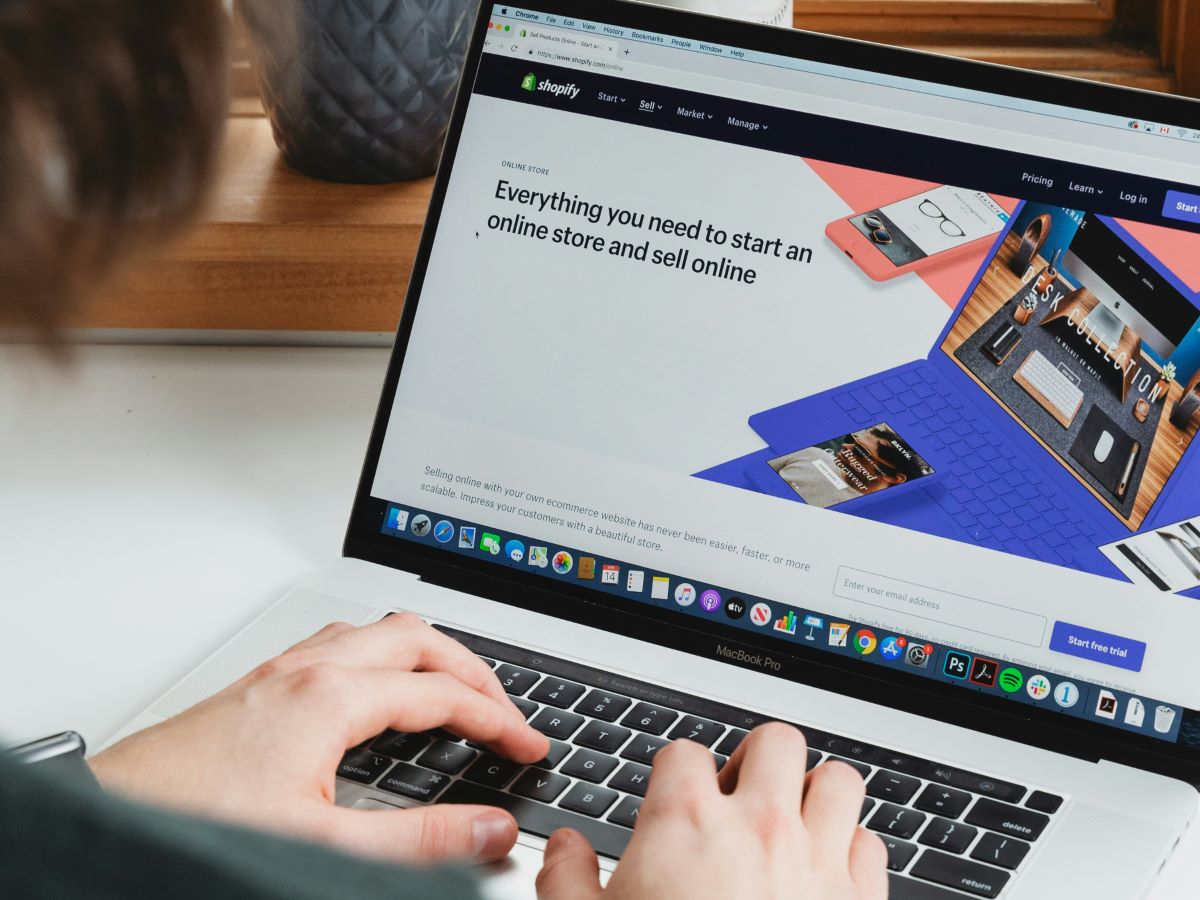
Moving a store to Shopify should feel like moving house, not like starting over. The products come with you, the customers come with you, and, if you do the unglamorous work, the Google rankings come with you too. Most migrations that "lose SEO" didn't lose it to Shopify. They lost it to URLs that changed without a forwarding address. Here is the process we follow on every WooCommerce, Wix or Squarespace move.
1. Take inventory of every URL that earns traffic
Before touching Shopify, export a list of every URL on the current site. Two sources, combined: a crawl of the live site (Screaming Frog's free tier handles most small stores) and the Pages report in Google Search Console, which shows what actually gets impressions and clicks. Add a third column from Google Analytics: sessions in the last twelve months. Now you know which pages matter. Typically a few dozen product and category pages carry most of the traffic; the long tail matters less but still needs a home.
2. Understand how Shopify structures URLs
Shopify is opinionated. Products live at /products/handle, collections at /collections/handle, pages at /pages/handle and blog posts at /blogs/blog-name/handle. You can't change those prefixes. What you can control is the handle, so make handles match your old slugs wherever possible. A WooCommerce product at /product/sticky-leggings-black/ becomes /products/sticky-leggings-black. That consistency makes the redirect map almost mechanical.
3. Build the redirect map before launch
For every old URL in your inventory, write the new Shopify URL beside it. Rules of thumb:
- Product → the same product. Never redirect a product to the home page.
- Category → the equivalent collection. If you're merging categories, redirect to the closest one.
- Old blog post → the same post at its new address. Bring the content with you; don't drop posts that rank.
- Retired products → the parent collection, with a note on the collection page if the product was popular.
- Filter and parameter URLs (
?color=black) → the base page.
Shopify supports 301 redirects natively under Online Store → Navigation → URL redirects, and you can import the whole map as a CSV in one go. Do it before launch so there is never a moment when old links land on a 404.
4. Move the content, not just the products
Product importers carry titles, prices and images. They routinely drop the things Google ranked you for: the page title tag, the meta description, image alt text, and the long description you wrote three years ago. Compare a sample of old and new product pages side by side before launch. If the old page had a 400-word description and the new one has two lines, that's a ranking you're about to lose.
5. Handle the domain carefully
Point your existing domain at Shopify rather than launching on a new one; domain age and history are part of what you've earned. Set the primary domain in Shopify so every variant (www, non-www, myshopify.com) redirects to one canonical version. If you must change domains, do it as a separate project, later, with Google's Change of Address tool.
6. Launch on a quiet day, then watch
Don't switch DNS on a Friday afternoon or the night before a sale. Launch midweek, in the morning, when you can watch. Within the first hour:
- Submit the new sitemap (
/sitemap.xml) in Search Console. - Spot-check twenty of your most important old URLs. Do they 301 to the right place?
- Check
robots.txtisn't blocking anything it shouldn't. Shopify's default is sensible; apps sometimes aren't. - Make a test purchase end to end.
7. Monitor for six weeks
Search Console's Pages report will start showing "Not found (404)" for any URL you missed. Check it twice a week and add redirects as they appear. Rankings often wobble for two to four weeks after a migration as Google re-crawls; a wobble is normal, a cliff is not. Keep the pre-launch traffic export and compare like for like (same weeks, same landing pages) so you can tell the difference.
Is it worth the trouble?
Yes, if you do this properly. Shopify's checkout, speed and app ecosystem usually lift conversion after a move, and that lift is wasted if half your search traffic evaporated on launch day. The redirect map is a day's work for a small store. It protects years of rankings. If you'd like us to plan and run the move, start with a store review and we'll scope it.